Questions? We Are Here To Help
Explore videos walking you step-by-step through everything you need to know to sucees with CallRescue24
CallRescue24 Video Walkthroughs
Click any guide to watch the full walkthrough training.
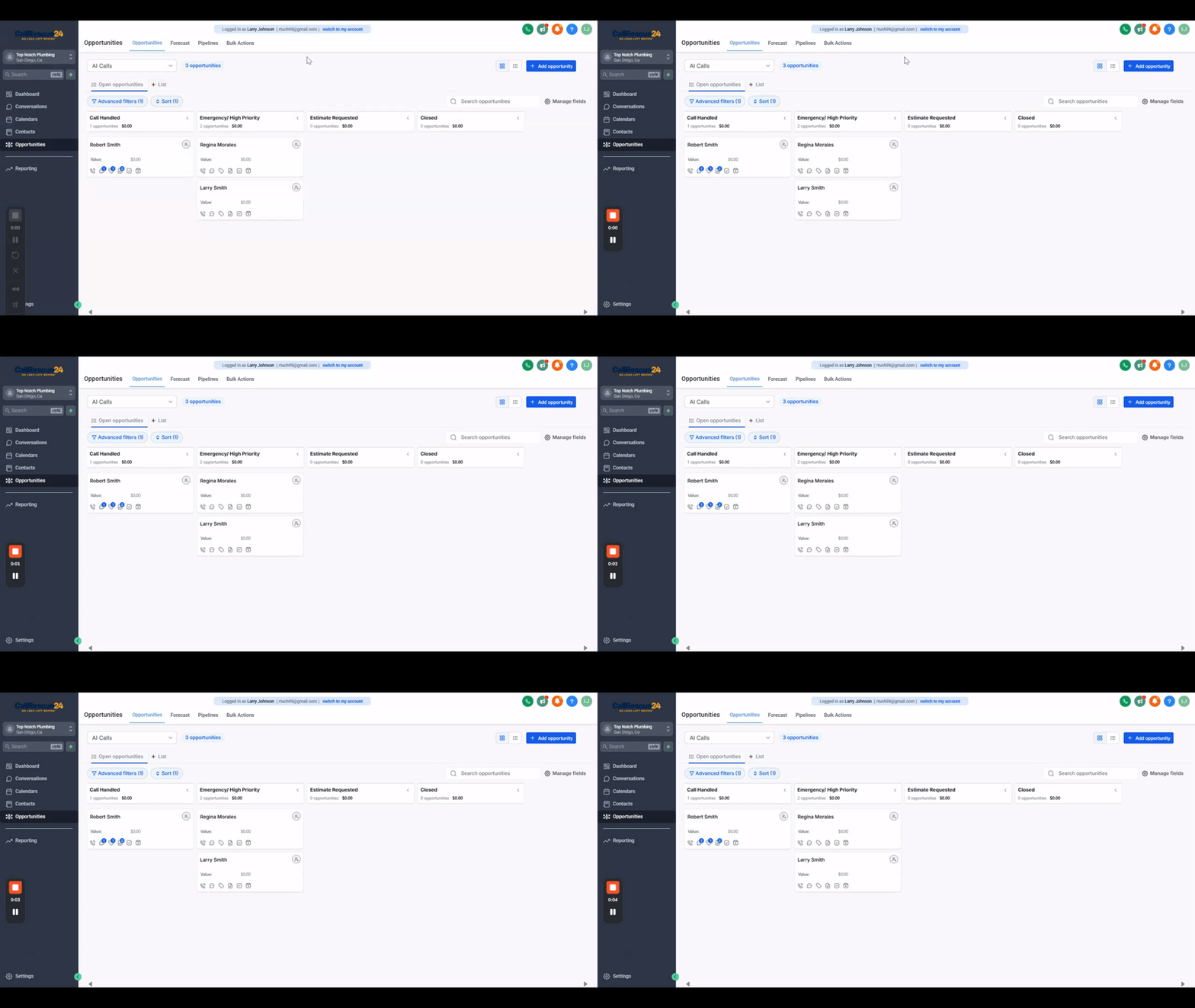
Understanding Pipelines and Opportunities
Track leads through CallRescue24 pipeline stages from initial call to booked estimate and closed job
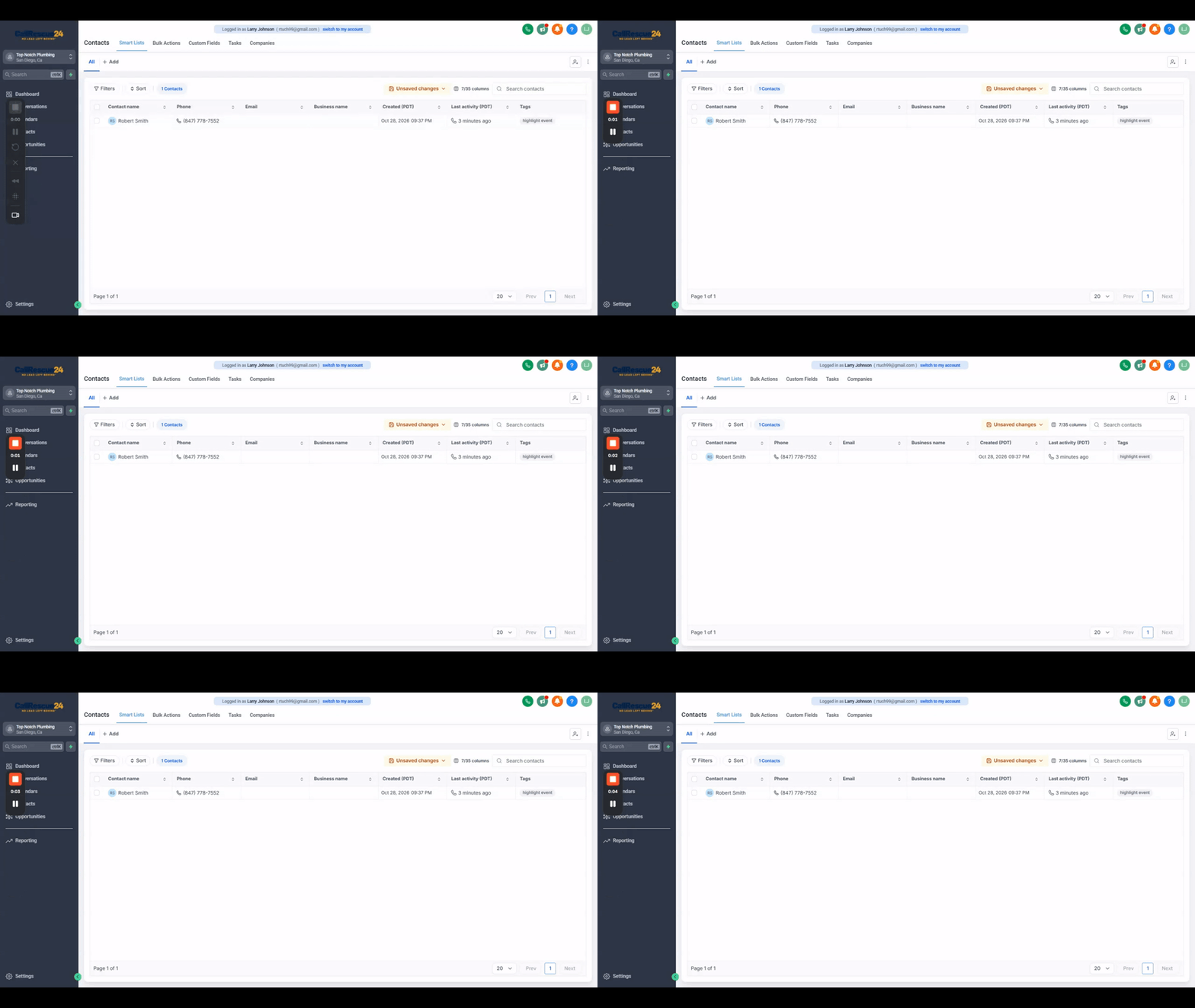
Contacts Section
Finding customer information, reviewing contact history, and updating details when appropriate
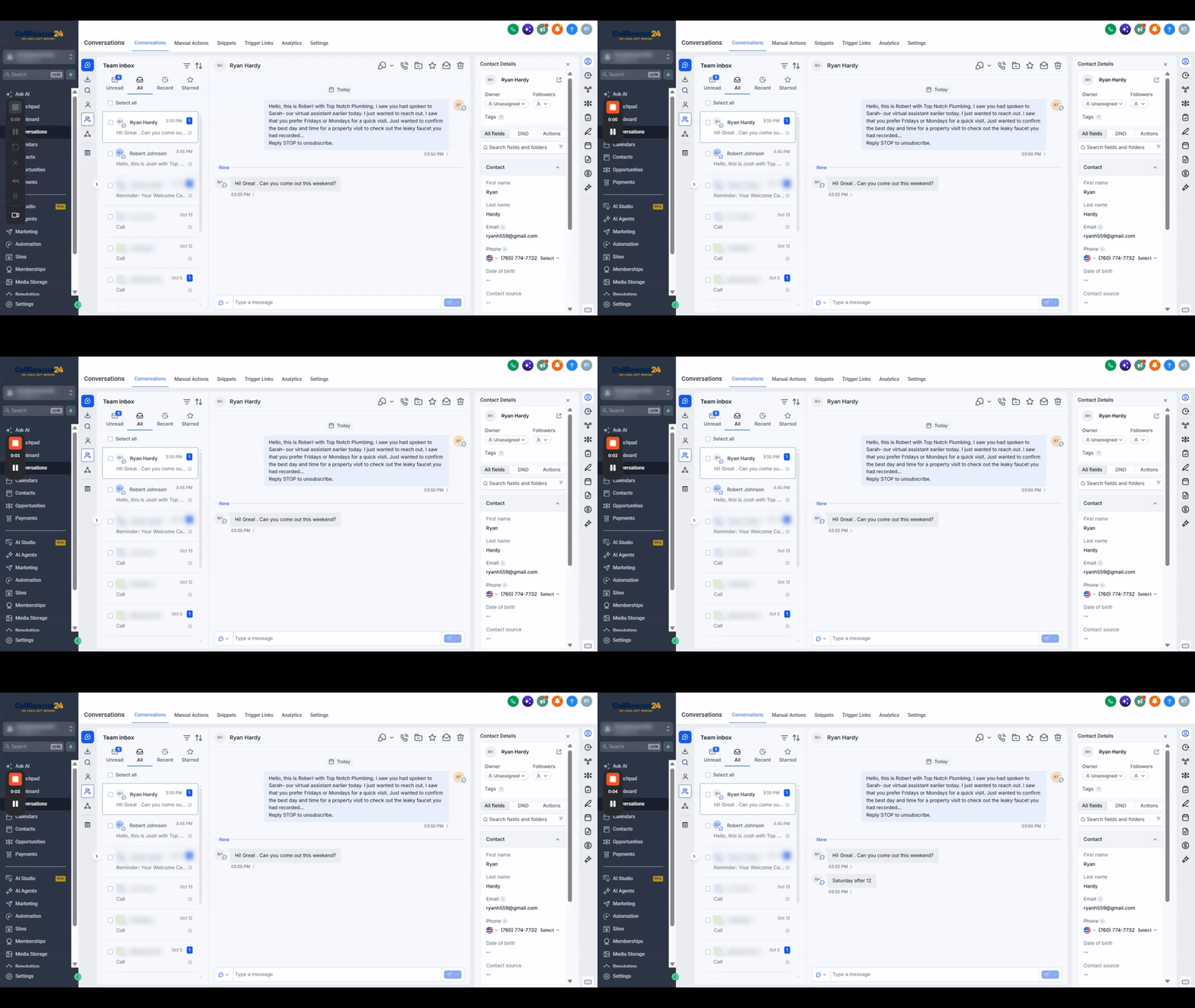
Messages and Conversations
Finding messages, reviewing conversations, and responding when necessary from your unified inbox
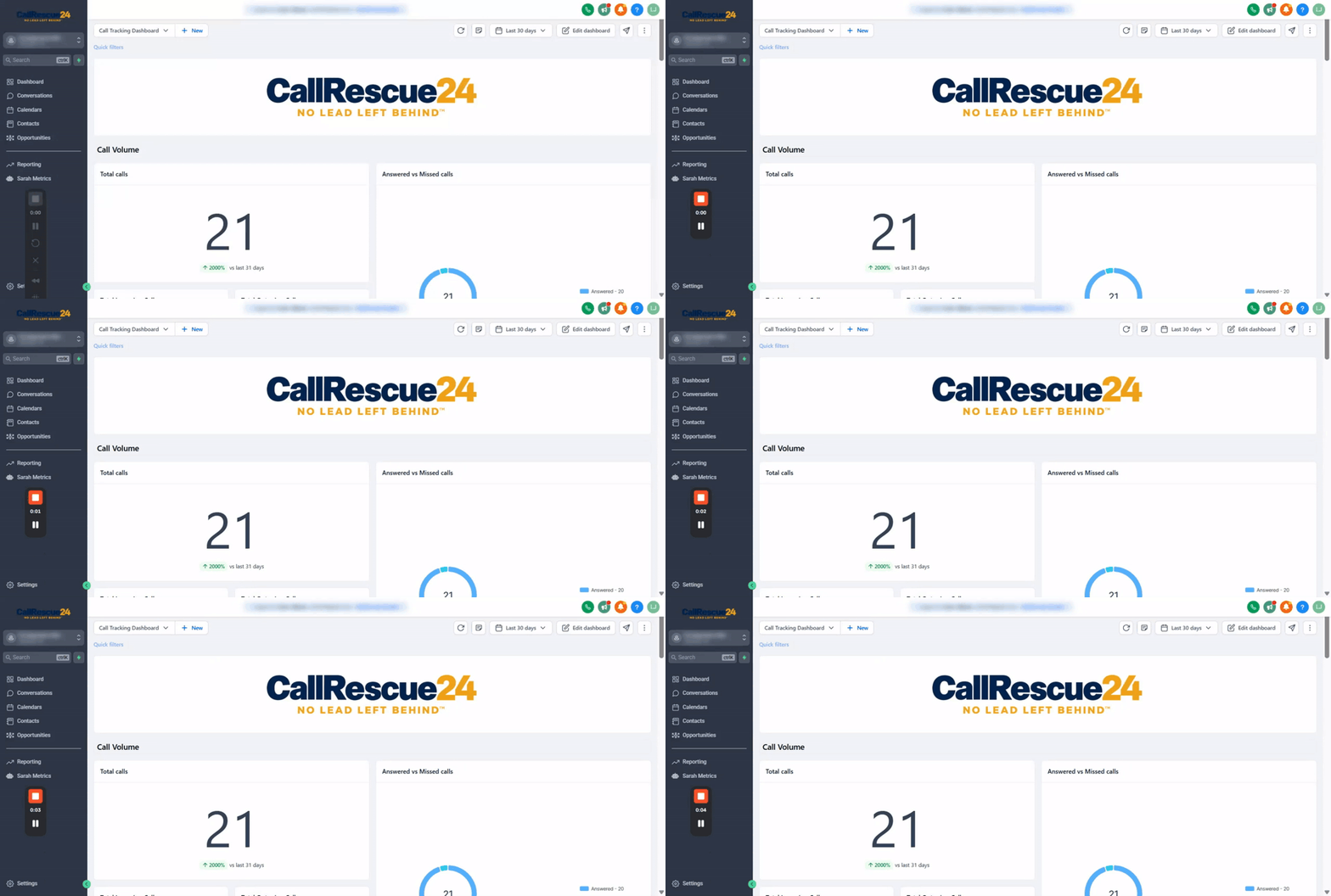
Dashboard and Reporting
Interpreting call performance data, answered vs. missed metrics, date ranges, and call durations
The 4 Core CRM Workspaces
Everything you need to capture leads, track estimates, message customers, and measure call results.
Pipelines & Opportunities
Kanban stages from Call Handled and Emergency/High Priority to Estimate Requested and Closed. Read instant AI call summaries.
Contacts Section
Central directory of every caller. Edit lead profiles, review full communication timelines, listen to audio recordings, and dial with 1-click.
Messages & Conversations
Unified inbox for SMS, calls, and emails. New customer messages appear at the top so you can confirm visits and reply instantly.
Dashboard & Reporting
Real-time call analytics: track answered vs. missed calls, adjust date ranges (last 30 days), and review average talk durations.
Common CRM Questions
Quick answers to the questions trade owners and office dispatchers ask most.
Need Help Navigating A Specific Section?
Can't find the walkthrough you need or have a specific question about your account? Leave a message and our support team will record a custom loom or reply with exact steps.